Introducing Jetfolio
Every booking,
one timeline.
Jetfolio helps you plan, navigate, and experience travel with confidence — from itinerary building to real-time local insights.
How it works
No typing your itinerary in by hand
Most travel apps ask you to enter each booking yourself. Jetfolio starts from the confirmations you already have sitting in your inbox.
Send it over
Link your Gmail or Outlook account once, and booking confirmations are picked up and added to the right trip on their own — nothing to forward at all.
Or forward the confirmation email to your personal Jetfolio address, or share a screenshot straight from your phone.
It gets read
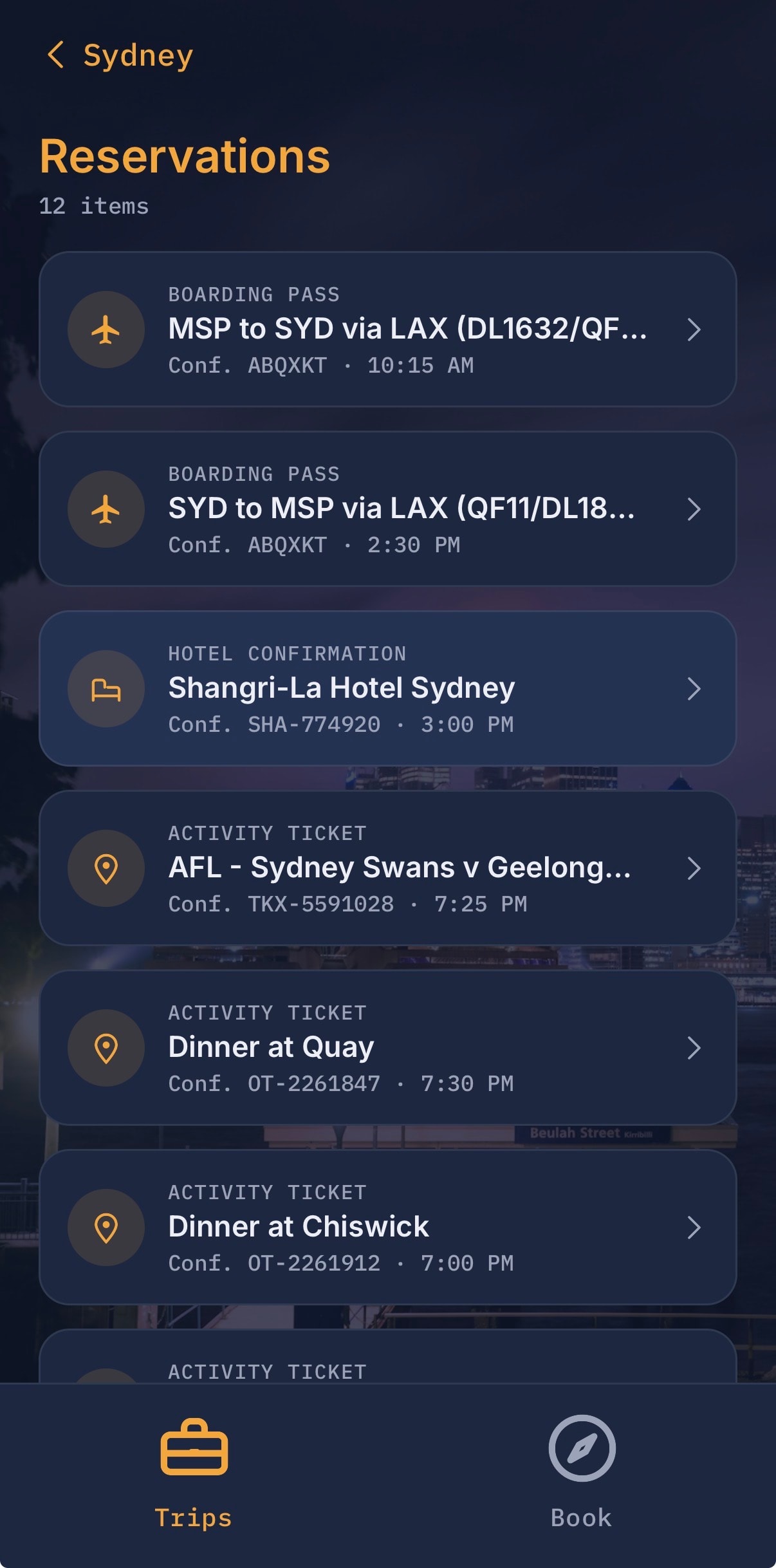
Dates, times, confirmation numbers, terminals and seats are pulled out automatically — including multi-leg journeys, which become separate entries.
Your day lines up
Everything lands in one timeline, sorted by when it happens, with free gaps between bookings called out so you can see where the day is actually open.
What's inside
The rest of the trip, in the same place
Smart Itinerary Builder
Build day-by-day travel plans with intelligent suggestions based on your interests, pace, and budget.
Real-Time Local Insights
Get up-to-date recommendations for restaurants, attractions, and hidden gems wherever you are.
Offline Access
Download your trip details and maps for seamless access even without an internet connection.
Group Trip Coordination
Plan and share itineraries with travel companions — everyone stays on the same page.
Smart Reminders
Never miss a reservation, flight, or activity with context-aware notifications and alerts.
Personalized Recommendations
The more you travel, the smarter it gets — tailored suggestions based on your travel history.
Screens
What it looks like
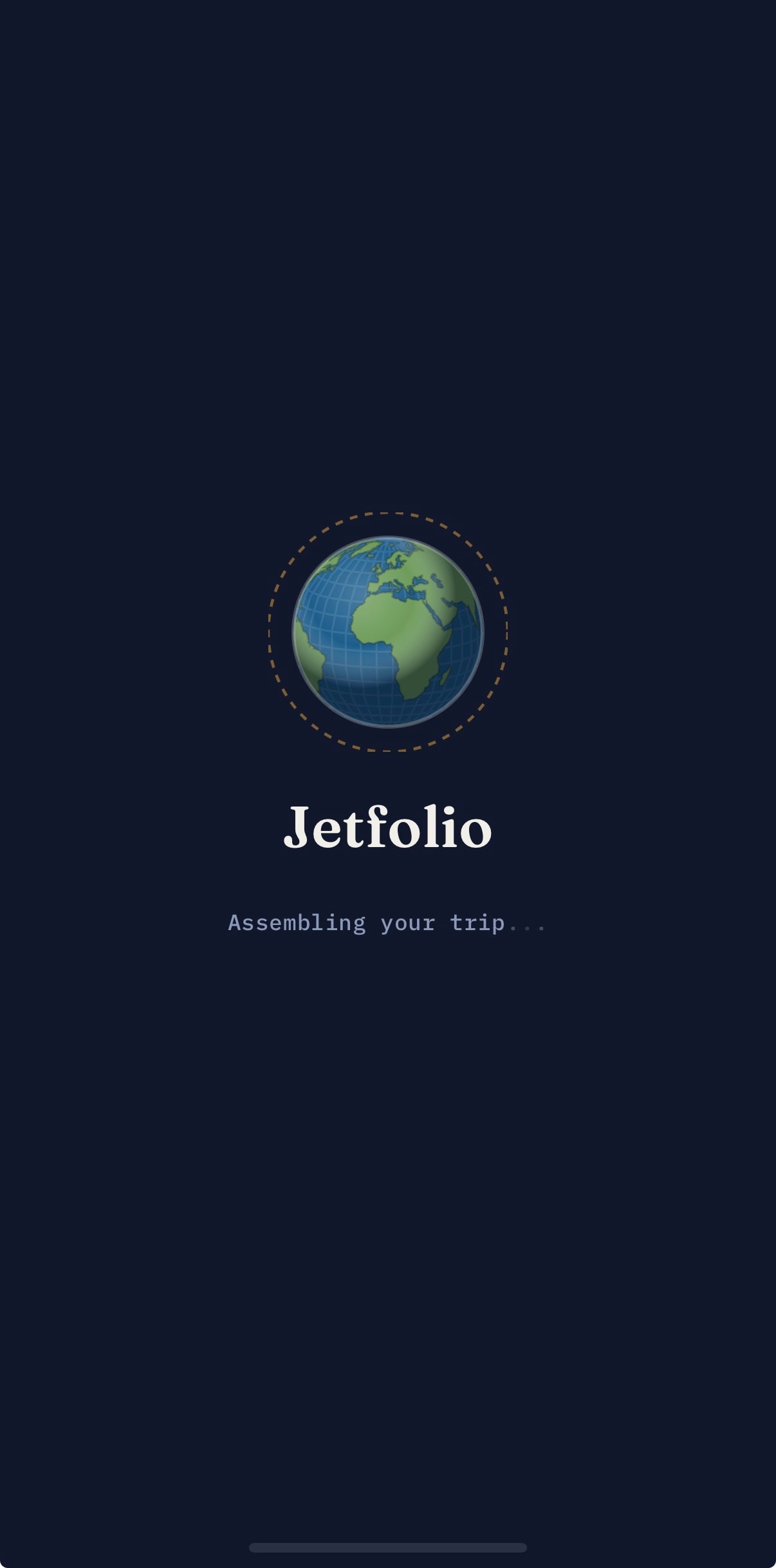
Welcome screen
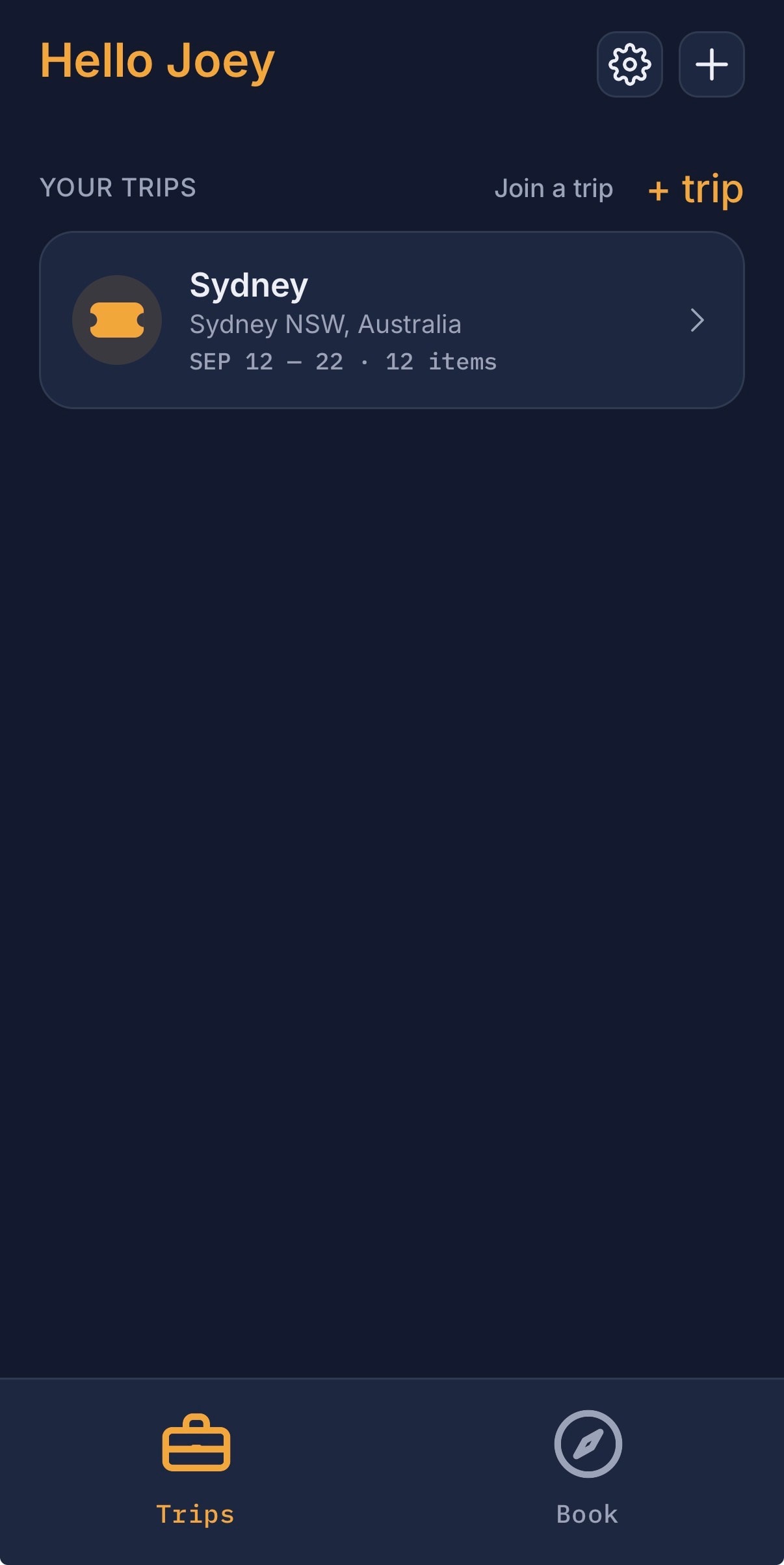
Trip overview
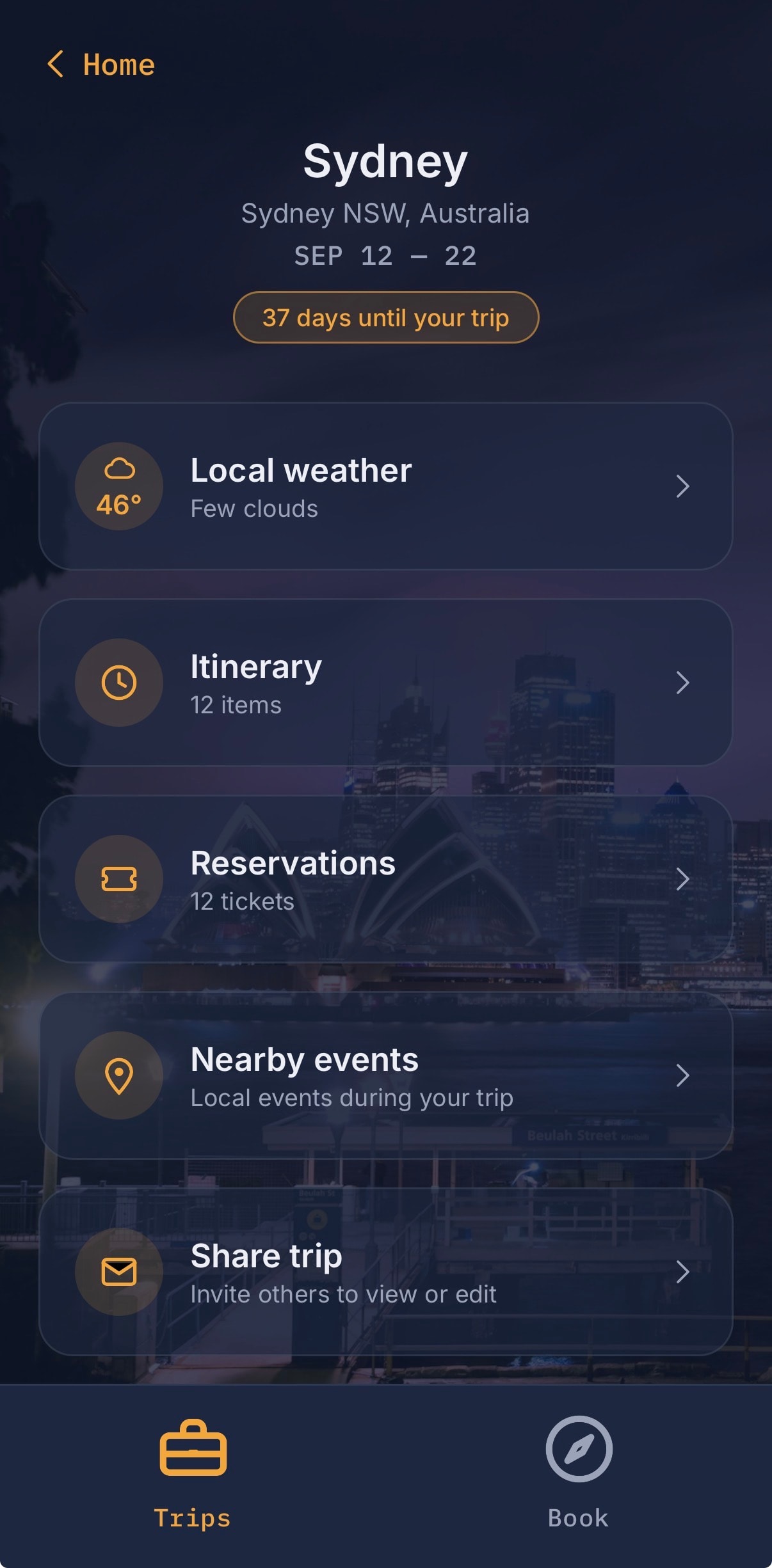
Trip details
Reservations
Book activities
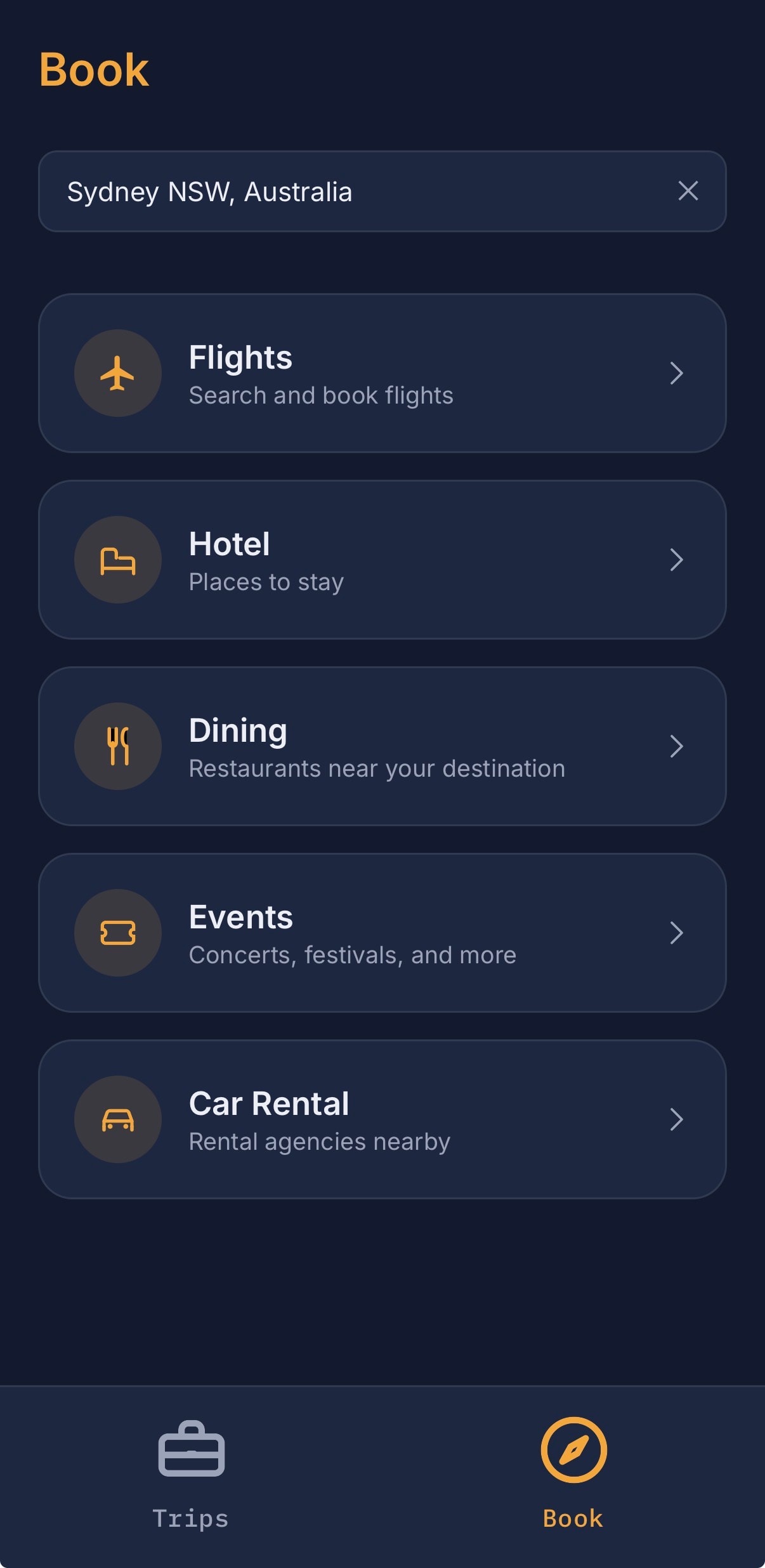
And when you still need to book
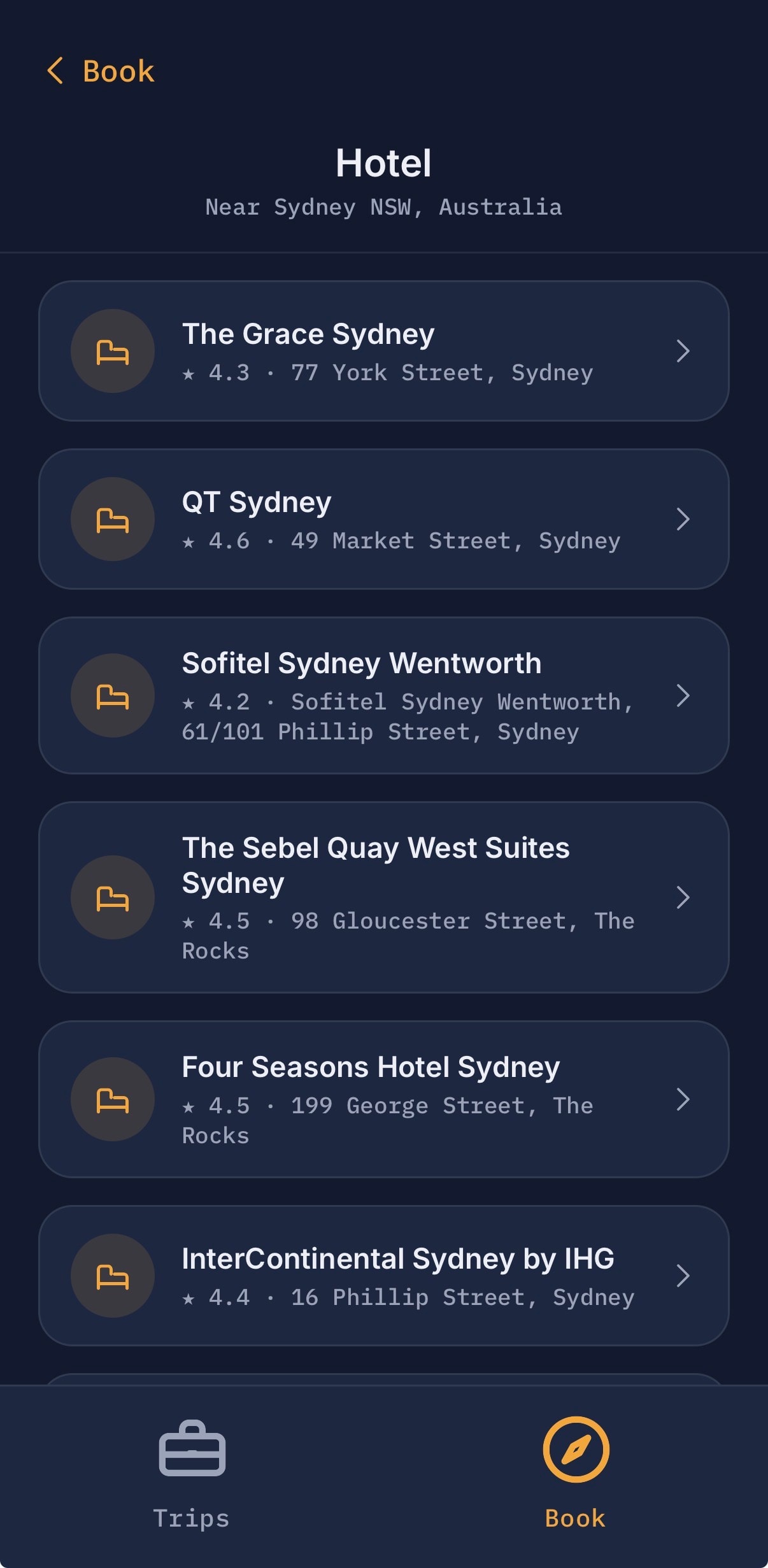
Hotel search
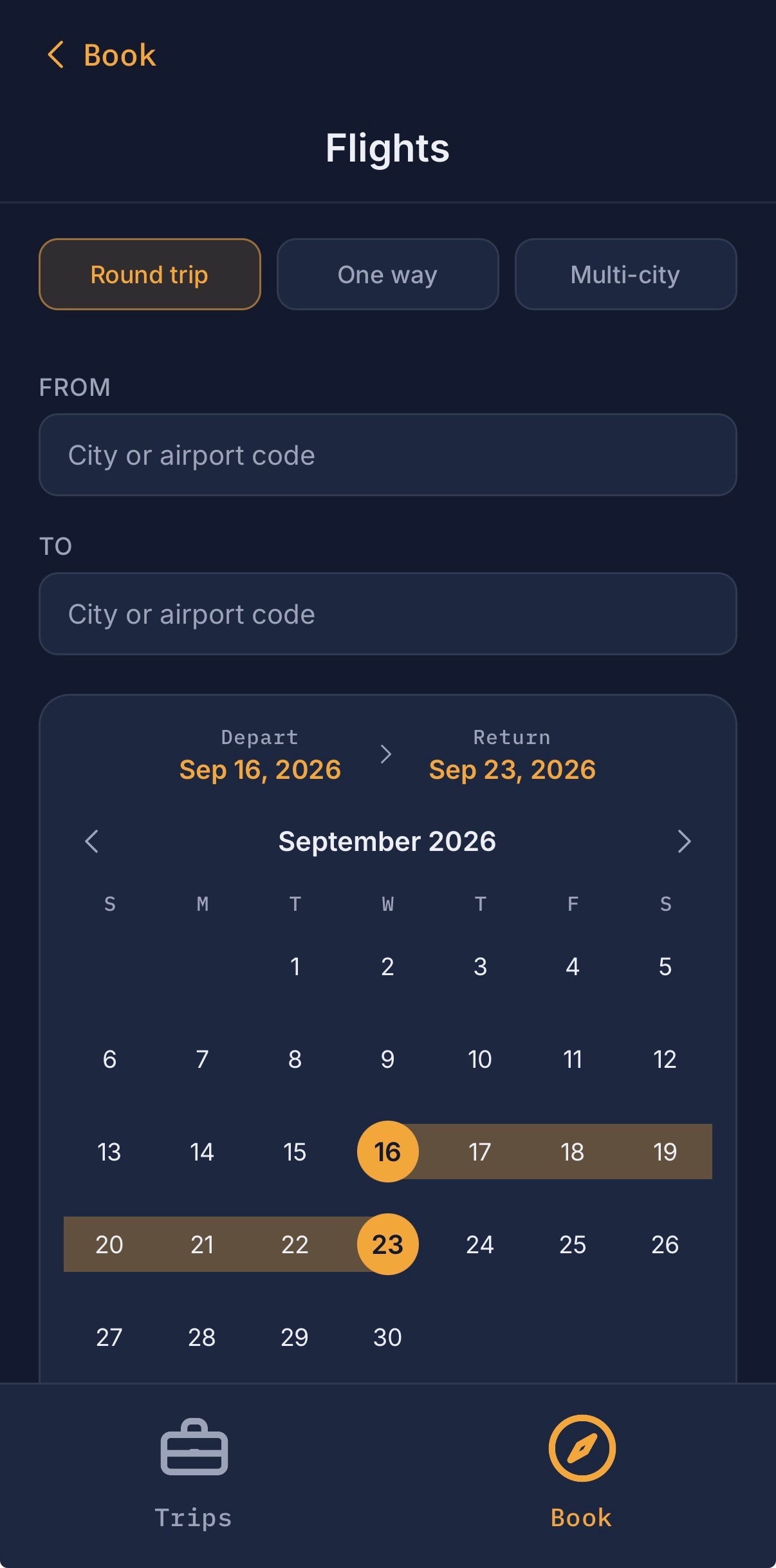
Flight search
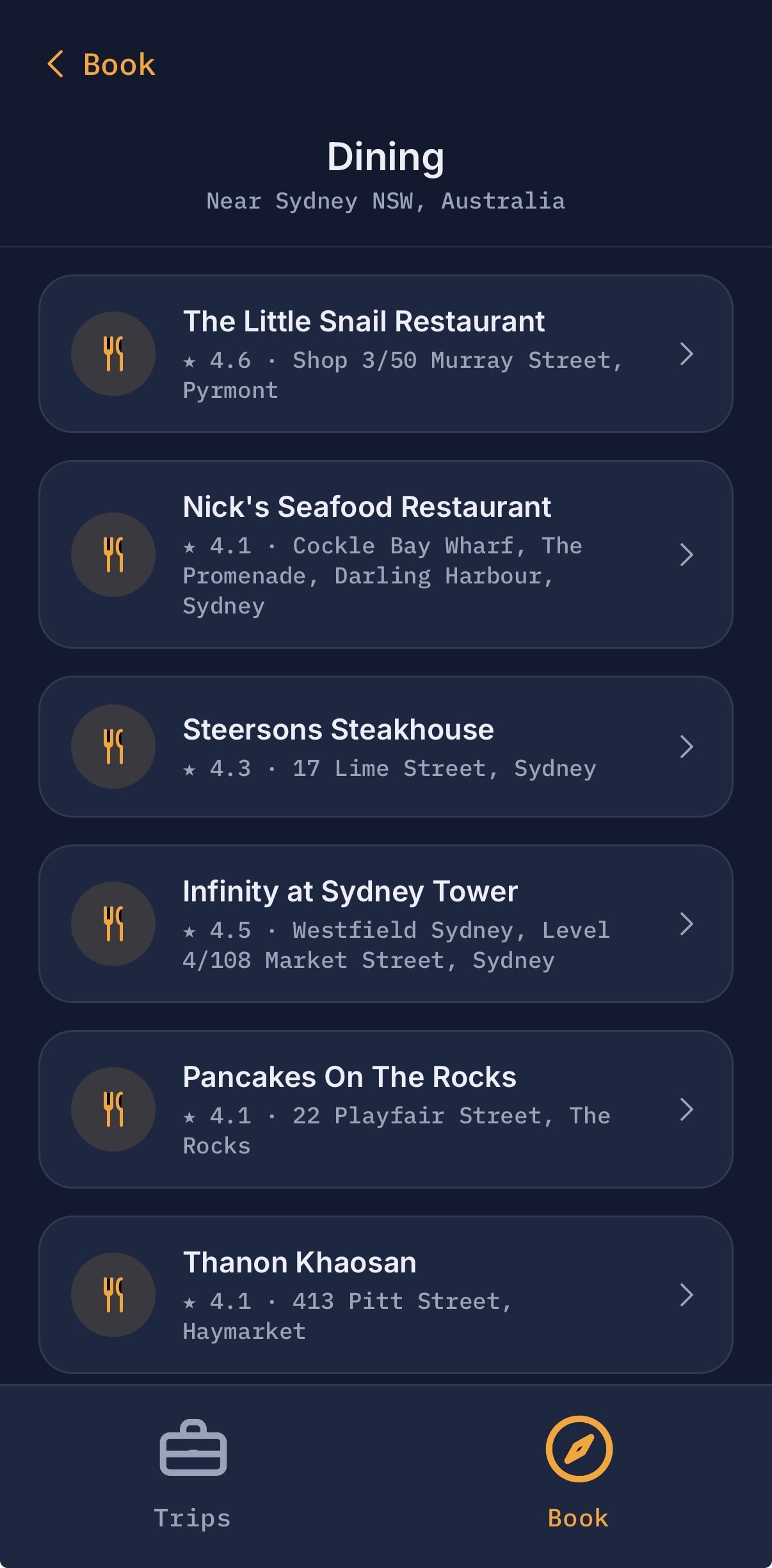
Dining
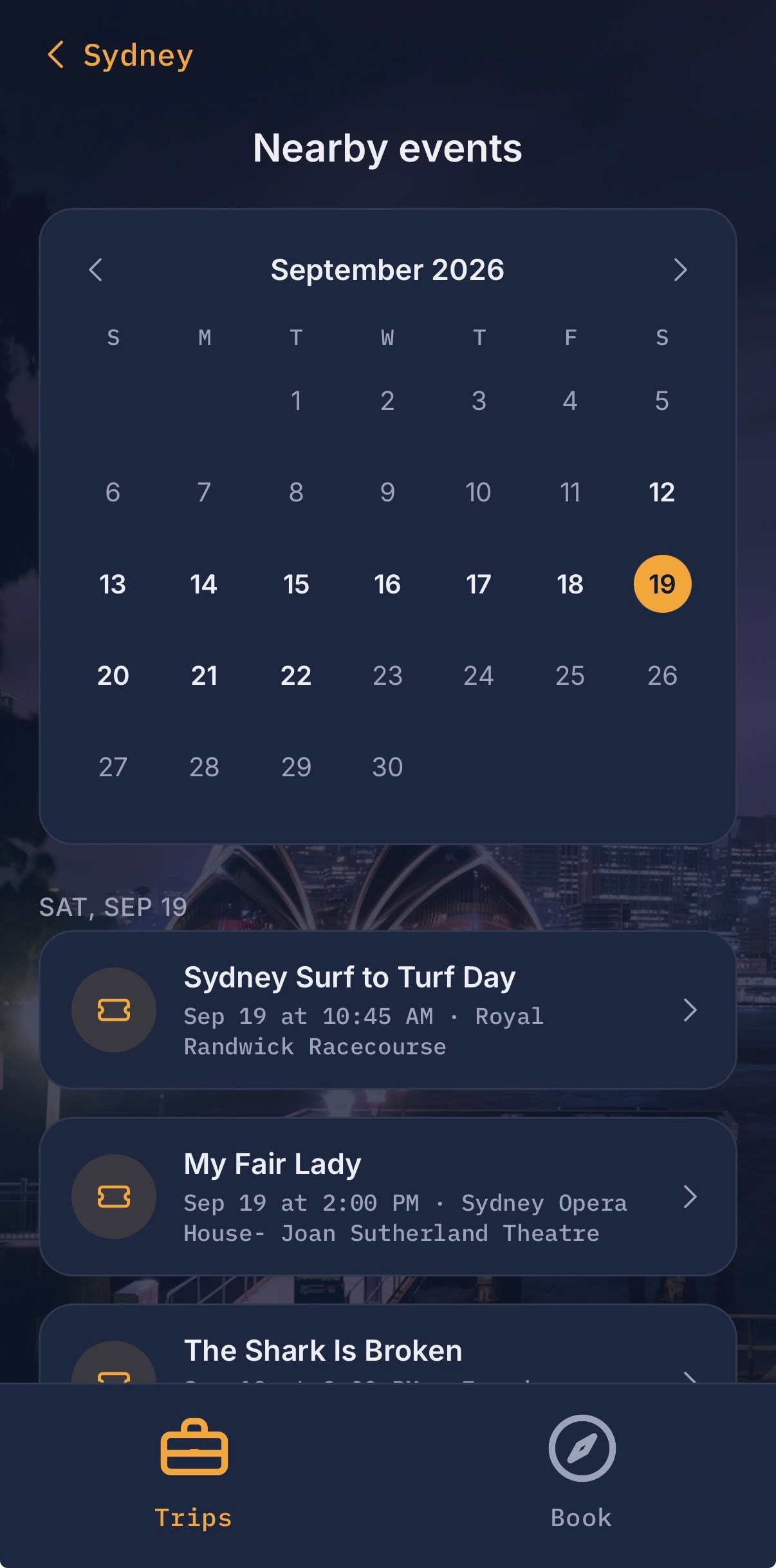
Local events
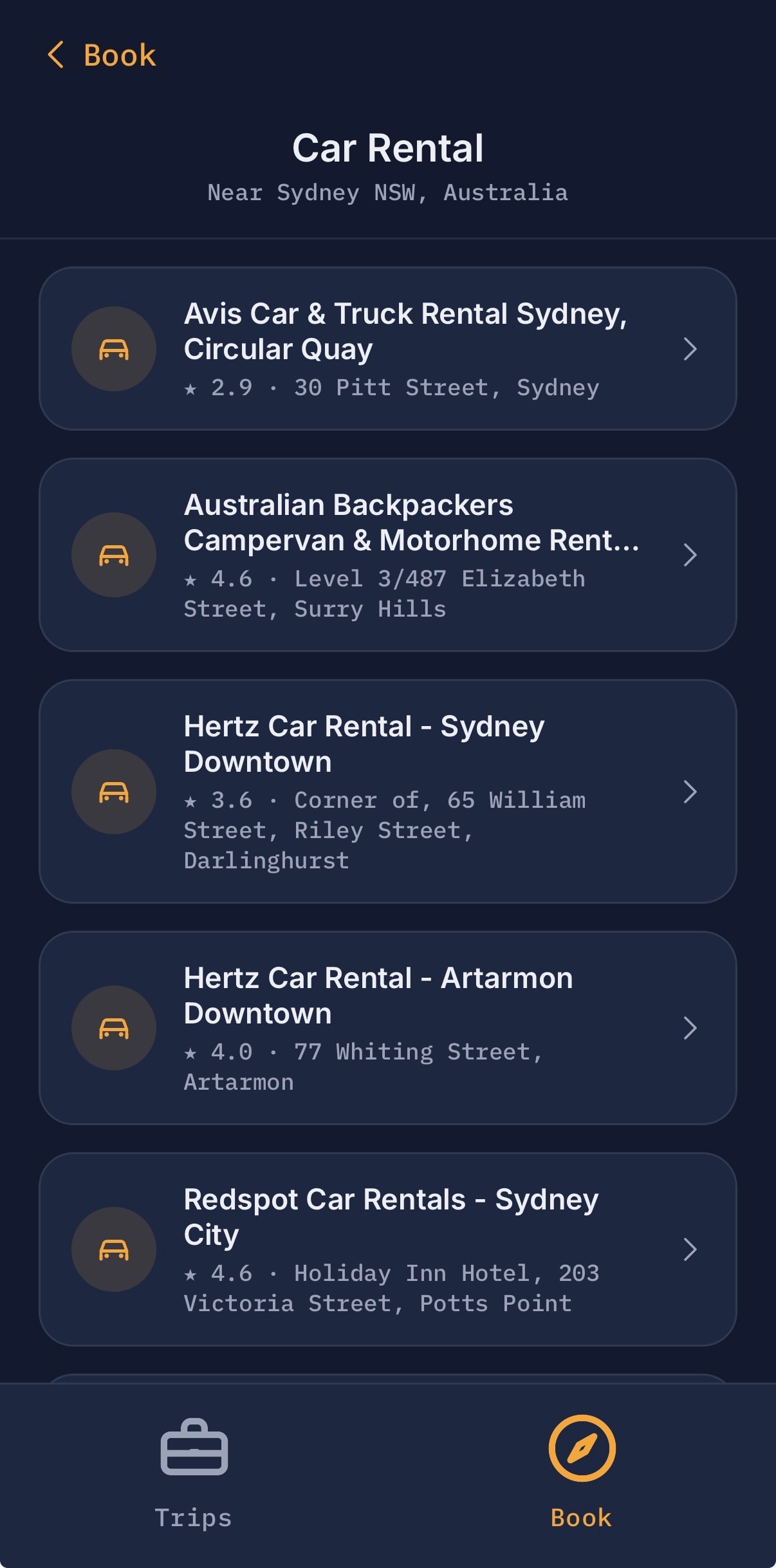
Car rental
Beta
Be the first to explore
Trip Companion is currently in development. Join the waitlist and get early access when we launch.
Join the Beta Team